
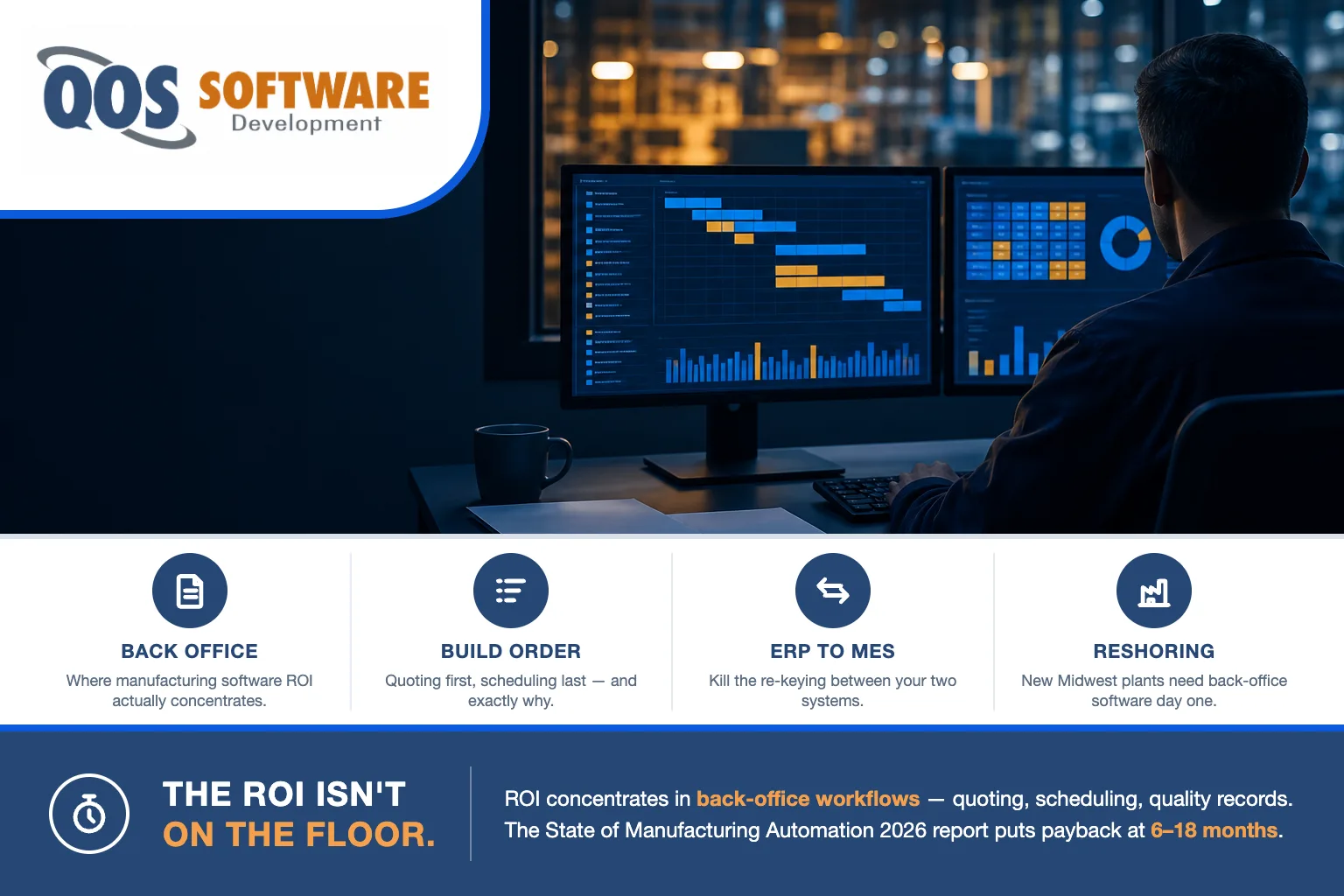
Manufacturing software ROI concentrates in back-office workflows — quoting, scheduling, quality documentation, supplier communication — not shop-floor equipment. The State of Manufacturing Automation 2026 report puts back-office returns at 200–400% annually with 6–18 month payback, versus multi-year shop-floor capex cycles.
That runs against the instinct of almost every plant we walk into. The money gets discussed in front of a machine. Here is why the gap exists, which workflow to build first, and when you should buy a product instead of building anything at all.
Why does manufacturing software ROI skew to the back office?
Because the two kinds of spending return money in completely different ways.
A new machine is a capital asset. You buy it, install it, commission it, train operators on it, and depreciate it across five to seven years. The return is real, but it arrives on a schedule set partly by accounting and partly by how fast you can fill that machine with work. That is not a criticism of capex — it is simply what capex is.
A back-office build returns labor hours, and it starts returning them the week it goes live. An estimator who spent six hours assembling a quote out of three spreadsheets and a shared inbox now spends ninety minutes. That difference is recoverable on the next quote, and the one after that, with no depreciation schedule in between.
There is a second reason, and it is the one that surprises people: your shop floor is probably the most optimized part of your company already. Manufacturers have spent thirty years running lean out there — cycle times measured, changeovers timed, scrap tracked to the part number. Walk fifty feet into the office and the quoting process is a spreadsheet somebody built in 2014, the quality records live in a three-ring binder, and a person retypes production orders out of the ERP into the MES because nothing connects them.
We have built software for manufacturers and plants, and that pattern is consistent enough that we now ask about it in the first conversation. The floor is instrumented. The office is not. Improvement money keeps going to the instrumented half.
You can size this yourself before you talk to anyone, using one line of arithmetic: hours recovered per week × your loaded labor rate. We are deliberately not printing a result here, because a number we invented for a generic plant tells you nothing about yours — your rates, your headcount and your process are the only inputs that matter. Run your own hours through it, then compare the outcome against the State of Manufacturing Automation 2026 report’s band of 200–400% annual returns with 6–18 month payback and see where you land.
Back-office vs. shop-floor workflows: where the returns actually are
Here is the same comparison laid out workflow by workflow. Read the last two rows carefully — they are shop-floor investments, they are legitimate, and they belong in your capital plan. This is not an argument against buying machines. It is an argument about sequence.
| Workflow | Side of the plant | Where the return comes from | Payback horizon | Build priority |
|---|---|---|---|---|
| Quoting & estimating | Back office | Hours recovered per quote; turnaround days become hours | Within the 6–18-month band (2026 report) | 1 |
| ERP↔MES data handoff | Back office / integration | Re-keying eliminated; errors caught at entry | Within the band | 2 |
| Quality documentation & audit records | Back office | Staff hours on paperwork; audit-prep compressed | Within the band | 3 |
| Supplier & PO communication | Back office | Chase-time recovered; fewer expedited shipments | Within the band | 4 |
| Production scheduling | Bridges both | Planning and changeover time | Within the band, depends on floor data quality | 5 — after the handoff exists |
| New CNC / robotics cell | Shop floor | Throughput per machine-hour | Multi-year capex depreciation | Capital planning, not workflow software |
| MES platform rollout | Shop floor | Floor visibility, traceability | Multi-year platform cycle | A package decision |
The pattern is clean. Everything in the top five recovers time, which you can measure next month. The bottom two buy capacity, which you measure over years. Both matter to a plant. Only one of them pays back inside a fiscal year.
Which workflow should you build first?
This is the ranking we use, and it holds for most discrete and mixed-mode manufacturers. Read the order carefully — the last item is last on purpose.
- Quoting and estimating. Unit of return: hours per quote, turnaround dropping from days to hours, and quotes per estimator per week. It goes first for three reasons — it sits at the front of the revenue funnel, so speed converts directly into won work; it depends on fewer other systems than anything else on this list, so you can build it without touching the floor; and it is usually the workflow most specific to your plant, which is exactly why packaged products fit it badly.
- ERP↔MES data handoff. Unit of return: hours per week of re-keying eliminated and data errors per month caught at entry instead of at the line. This is the one most manufacturers name first when we ask what hurts.
- Quality documentation and audit records. Unit of return: staff hours per week on paperwork and audit-prep days compressed. Certificates of conformance, first-article inspections, corrective actions and the traceability trail behind them — the work does not shrink, but the time spent assembling it does.
- Supplier and PO communication. Unit of return: chase-time hours per week and expedited shipments avoided per quarter. Every “where is my order” email is a person doing a database query by hand.
- Production scheduling. Unit of return: planning hours per week and changeover time. Last, deliberately. A scheduler is only as good as the data it schedules against, so it wants item two to exist first. Scheduling software built on top of unreliable floor data is the fastest way to build something nobody trusts — and once planners stop trusting it, they go back to the whiteboard and you have paid for both.
Notice that every unit of return in that list is a count or a duration, not a dollar. That is on purpose. Hours, days, error counts and shipment counts are things your own team can measure without a consultant’s model — and they are what you multiply by your own loaded rate when you want the money answer.
What about ERP↔MES integration?
It is item two on the list, and across the 2026 manufacturing-technology conversation it is the consensus integration priority. We are calling that a trend, not a statistic — we are not going to attach a percentage to it that we cannot trace back to a primary source.
The mechanism is easy to see once you look for it. Your ERP knows what was sold, what it costs and when it is promised. Your MES knows what is actually running, on which machine, at what rate. Between those two systems sits a person with a clipboard or a second monitor, retyping. Every re-key is a chance for a wrong quantity, a stale due date, or a revision that never made it to the line — and those errors are found downstream, where they are most expensive.
Here is the boundary of what we do, stated plainly: QOS Software builds the custom layer and the integrations between your systems. We do not implement, configure, or resell ERP or MES platforms. If what you need is a package selected, licensed and deployed, that is a different engagement with a different kind of firm, and we will tell you so rather than take the project. What we build is the connective work — the API and integration layer, the sync rules, the reconciliation logic and the error handling that decides what happens when the two systems disagree. That is where the re-keying actually dies.
The shape repeats across industries, which is why the pattern is worth learning once. In automotive retail it is the dealership DMS data integration problem; in logistics it is the one we walk through in our 3PL integration checklist. Two systems that both believe they hold the truth about the same order, and a human being reconciling them by hand. If your handoff also drags in database design or a legacy system that has to keep running through the transition, that is the deeper enterprise systems work behind the integration.
One more boundary worth naming, because it comes up on every plant visit: the plant-floor network itself is not our work. The OT segment, the industrial switches, the segmentation between office and floor, and the security around your machine controllers belong to managed IT and security operations. In the QOS family that is QOS MSP (qosmsp.com). We will integrate with what lives on that network; we do not run it or secure it.
Why reshoring makes this urgent in Indiana and Illinois
There is a timing argument here, and for once it is local.
Indiana has been landing new plants. Hanjung America is establishing manufacturing operations in Huntington, with more than 300 jobs announced. Prometheus Energetics announced a $600 million project in Bloomfield with 375 jobs. Global Polymers is establishing operations in Charlestown. Those are reshoring and new-capacity announcements, sourced from the Indiana Economic Development Corporation (IEDC.in.gov) and Area Development.
Across the state line, AbbVie is putting $380 million into a pharmaceutical manufacturing expansion in North Chicago. That one is an expansion of an existing site rather than a reshoring story — worth stating accurately — but it produces the same software consequence.
Because here is the consequence: a greenfield plant is a greenfield back office. New plant, new quoting process, new quality documentation trail, new supplier list, new production schedule. There is no legacy system to rip out, which sounds like an advantage and is actually a deadline. On day one somebody is going to quote a job. If nothing exists, they will build a spreadsheet — and in three years that spreadsheet, with its undocumented formulas and its one author, will be the thing you are paying somebody to replace. The same pressure shows up at an expansion: a quoting process that worked at one line’s volume starts cracking at two.
To be clear about what those figures are: the dollar amounts above are publicly announced plant investments, not software budgets. They are here to size the wave of new back-office demand landing in Indiana and Illinois, nothing more.
When shouldn’t you build custom software at all?
Often, honestly. A packaged product is the right call whenever the workflow is not actually yours. Buy instead of building when:
- The process is the same at your plant as at every other plant. General ledger, payroll, accounts payable, standard CAD and PLM. There is no competitive advantage hiding in a bespoke chart of accounts.
- A product already covers the workflow end to end and you would be rebuilding it to gain the last few percent of fit. That is a bad trade, and we will say so before you spend money finding out.
- Nobody internally can own the software after handoff. Custom software with no owner degrades — the person who understood it leaves, and two years later it is the legacy system.
- The workflow is going to change fundamentally in the next twelve months. Build after it settles. Encoding a process you are about to abandon is the most expensive kind of speed.
Now the turn, because “buy it” is rarely the whole answer: even when you buy for most of the plant, one workflow usually stays custom — the one that is genuinely yours. For most manufacturers we have worked with, that is quoting. Your routing logic, your material substitutions, your capacity rules and the judgment your best estimator applies without writing it down. A package cannot fit that, because that is the part that makes you different from the shop across the county. Build that one. Buy the rest, and connect them.
One scoping note on the word “automation,” since it means four things in manufacturing. In this article it means custom-built workflow software — code that moves data between systems and enforces your process. If what you actually want is AI — LLM-driven document handling, agentic workflows, machine-learning models on your production data — that is a different discipline and a different company in our family. QOS Agentic (qosagentic.com) owns AI, automation and agent work. We would rather name them than sell you something we do not build.
Frequently asked questions
What is a good ROI for manufacturing software?
The State of Manufacturing Automation 2026 report puts back-office workflow returns at 200 to 400 percent annually, with payback in 6 to 18 months. Shop-floor equipment returns real value too, but on a multi-year capital depreciation cycle rather than inside a fiscal year. To size your own figure, multiply the hours recovered per week by your loaded labor rate.
Which back-office workflow should a manufacturer build software for first?
Quoting and estimating. It sits at the front of the revenue funnel, it depends on fewer other systems than any other workflow, and it is usually the process most specific to your plant, which is why packaged products fit it poorly. Measure the return in hours recovered per quote and in turnaround time dropping from days to hours.
Does custom software replace an ERP or MES?
No. Custom software typically sits between them and around them. QOS Software builds the custom layer and the integrations that connect your systems; we do not implement, configure, or resell ERP or MES platforms. The common pattern is a custom workflow application plus an integration layer that ends the manual re-keying between the two.
Why does back-office software pay back faster than shop-floor investment?
Because it returns labor hours starting the week it goes live, while equipment is a capital asset depreciated across five to seven years. A back-office build recovers time from a process you are already running. Most plant floors are also heavily optimized after decades of lean work, while office workflows often still run on spreadsheets, email and paper.
Do new and reshored plants need custom software sooner?
Usually yes. A new plant has no back-office systems at all, so quoting, quality documentation, supplier communication and scheduling get improvised in spreadsheets during startup. Those improvised processes then harden into the way the plant works. Building the first workflow deliberately during startup costs less than replacing an entrenched spreadsheet three years later.
Our take
We have built software for manufacturers and plants, and one thing repeats often enough to be worth saying out loud: a plant usually knows exactly what a machine costs per hour and has no idea what its quoting process costs per week. The first number is on a board in the hallway. The second one has never been calculated.
So our method is deliberately small. Start with one workflow — not a platform, not a transformation program. One workflow, usually quoting, built and deployed and then measured against the hours it actually recovers. Prove the payback with your own numbers. Then expand into the next item on the list, with the first build’s recovered time helping pay for it. That sequence keeps the risk small, and it keeps the ROI argument honest, because it is your data making the argument instead of ours.
The honest trade-off: this is slower than buying a platform. A phased build means living with the spreadsheet for another quarter while the first workflow ships. If you genuinely need every process fixed at once and you can absorb a package’s fit compromises, buy the package — we will tell you that in the first conversation rather than the third. What a phased custom build buys you is that you never pay for software you are not using, and every stage has to earn the next one.
On cost: ROI and price are different questions, and this article is about the first one. If you are working the second, our pricing page has our current capacity tiers, and our guide to custom software development cost in 2027 covers what the wider market charges and why quotes vary so much.
We have been building software under QOS since 2007 — nearly two decades of shipped projects — and today we run that practice from Indianapolis, working with manufacturers across Indiana and Illinois among other industries. If you want to know which workflow in your plant would pay back first, a short conversation gets you an answer, and you can run the hours through your own rate afterward. No cost, no obligation.
