About Us
QOS Software builds custom web, mobile, and enterprise applications for companies across Indiana and Illinois. Senior engineers, AI-accelerated delivery, and software you own outright.
Contact Info
- 17437 Carey Road, Suite 236, Westfield, IN 46074
- +1 (877) 800-7672
- info@qossoftware.com
- Mon–Fri, 8 AM–5 PM
Web Application Development in Indianapolis
Web Applications We Build
Six kinds of web application we build for businesses across Indiana and Illinois.
Client Portals
Secure, branded portals where your customers log in to see their data, documents, and requests.
Internal Tools
Line-of-business apps that replace spreadsheets and manual steps for work only your team does.
Dashboards
Live views that pull your scattered data onto one screen so decisions don't wait on reports.
SaaS Products
Multi-tenant web products you can sell to your own customers on a subscription.
Customer & Member Apps
Account areas, booking, and self-service that let customers do business with you online.
Workflow Automation Apps
Apps that route approvals, trigger tasks, and move work between systems without manual handoffs.
When a Custom Web App Is Worth It — and When It Isn't
Custom web development is the right answer for some problems and the wrong answer for others. Here's how we tell the difference — before you spend anything.
When off-the-shelf wins
- Off-the-shelf already fits how you work
- The process is standard, not your edge
- Per-seat pricing is fine at your size
- You're fine renting and being locked in
When a custom web app wins
- No product fits how you actually work
- The process itself is your competitive edge
- Per-seat licensing punishes you for growing
- You need to own the code and the roadmap
Web Applications Built Around Your Business
QOS Software builds custom web applications — client portals, internal business tools, dashboards, and SaaS products — for companies in Indianapolis, across Indiana, and in the Chicago metro. Every build ships with full source-code ownership: no per-seat licenses, no vendor lock-in.
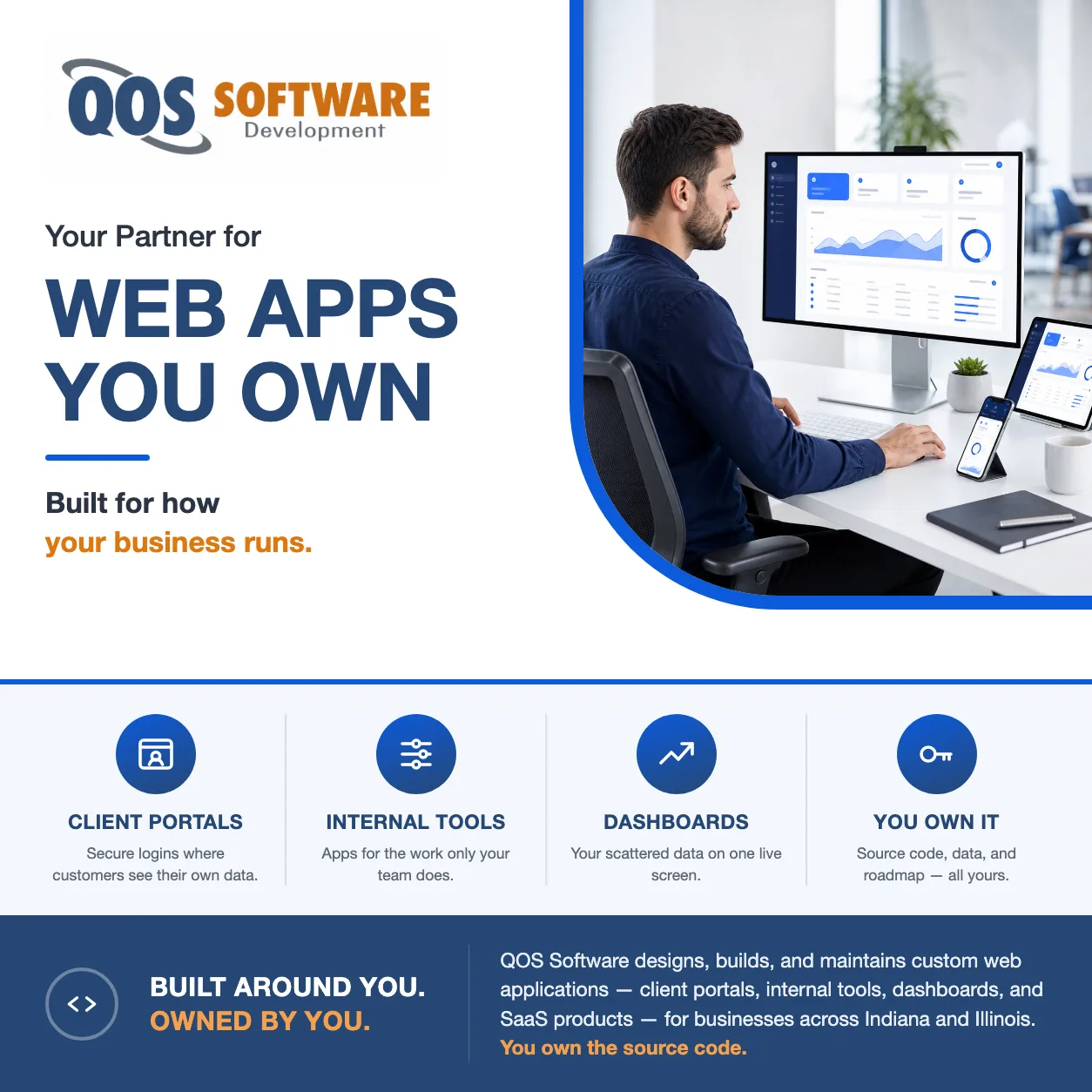
A web application isn’t a website with a contact form. It’s software that runs in the browser and does real work — logging users in, moving data between systems, and automating the steps your team does by hand today. We build the app around your process instead of forcing your process into someone else’s product.
Web application development is one focus of our broader custom software development practice. Whether you need a customer portal, an internal tool, or a product you can sell, we scope it honestly first — and tell you when an off-the-shelf product is the smarter buy.
Every project ships with the source code, documentation, and data in your hands, so you can change direction, add features, or move developers without starting over.
What Is a Web Application?
A web application is software that runs inside a web browser and lets people do work — enter data, run transactions, and manage information — instead of just reading it. A website mostly presents information for you to view; a web application responds to what each user does, stores their data, and changes based on who is logged in. In short: a website is something you read, and a web application is something you use.
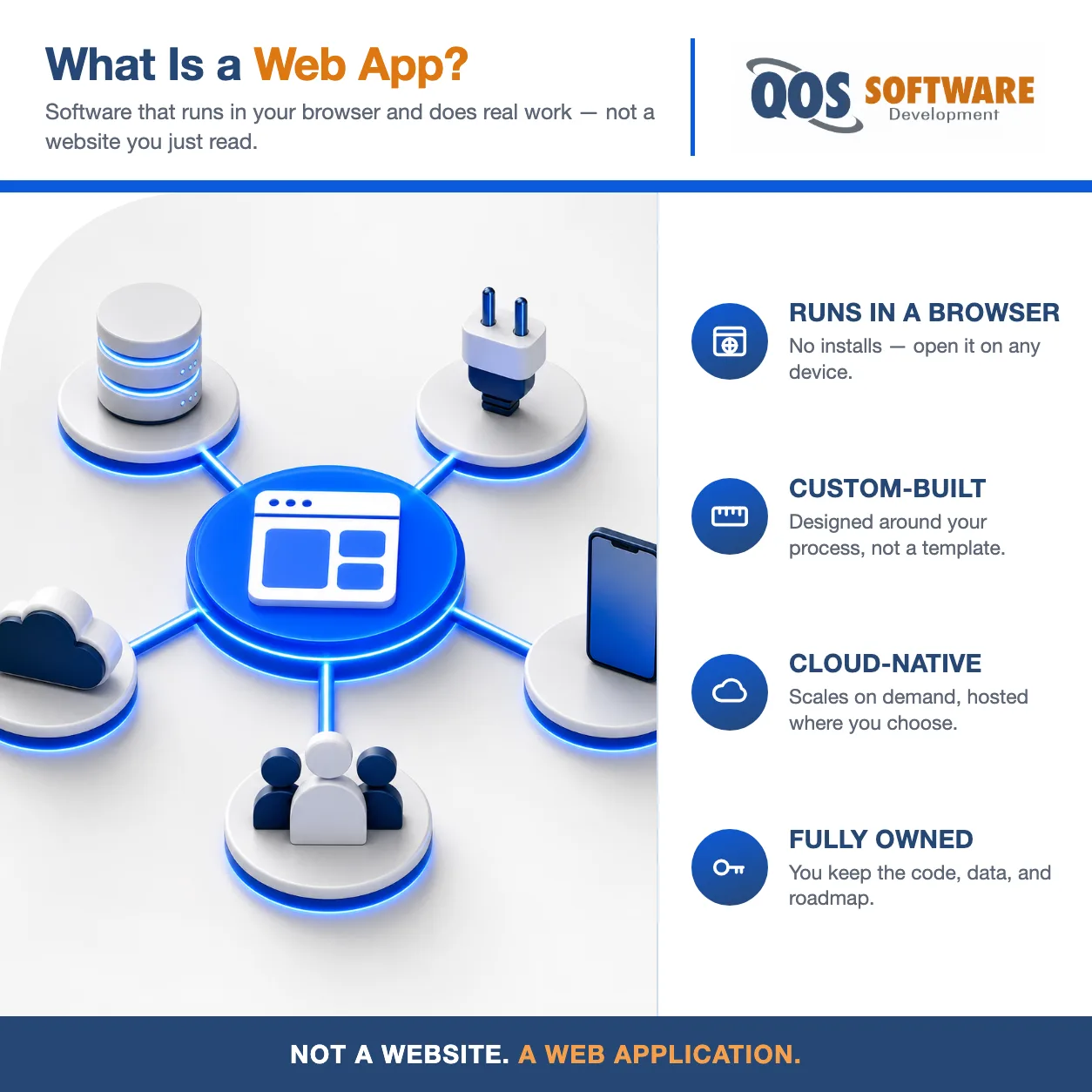
- A responsive front-end that works on any screen
- Role-based access and secure user logins
- A scalable back-end and database
- API integration with the systems you already run
- Cloud-native hosting that scales on demand
- CI/CD and DevOps for reliable releases
- Automated QA and testing before every deploy
- Ongoing maintenance and support after launch
Why Indianapolis Businesses Choose QOS Software
Plenty of shops can write code. Fewer will tell you when not to build, ship software you actually own, and still be around to maintain it years later.
- Software you own — source code, data, and roadmap, in writing
- AI-assisted development that ships faster and lowers cost
- Honest scoping — we say when off-the-shelf is the smarter buy
- Maintenance and support long after launch day
Software You Own
The difference between building and renting is ownership. When we finish, the web application is yours — not a subscription you paid us to create.

- The full source code, outright
- All intellectual property and rights
- Your data, in a form you can move
- The product roadmap and priorities
- The freedom to change developers anytime
- Hosting and infrastructure of your choice
Custom Web App vs. Off-the-Shelf SaaS: When Each Wins
Where a custom build beats a subscription — and where off-the-shelf SaaS wins.
| Factor | Custom Web App | Off-the-Shelf SaaS |
|---|---|---|
| Fit | Built to match your exact workflow | You adapt your workflow to the product |
| Ownership | You own the source code, data, and roadmap | The vendor owns the platform; you license access |
| Per-seat cost structure | No per-seat licenses — adding users doesn’t raise the bill | Priced per user; costs climb as your team grows |
| Change control | You decide what ships and when | Features and pricing change on the vendor’s schedule |
| Integration | Built to connect with the systems you already run | Integrates only where the vendor allows |
Where We Build Web Applications
We build web applications for businesses in two metros and ship to clients nationwide. Indianapolis and Central Indiana are home; the Chicago metro and Northern Illinois are our growing second market.
- Indianapolis and Central Indiana businesses
- Chicago metro and Northern Illinois companies
- Remote teams and on-site engagements across both states
- Nationwide clients who need a dedicated development partner
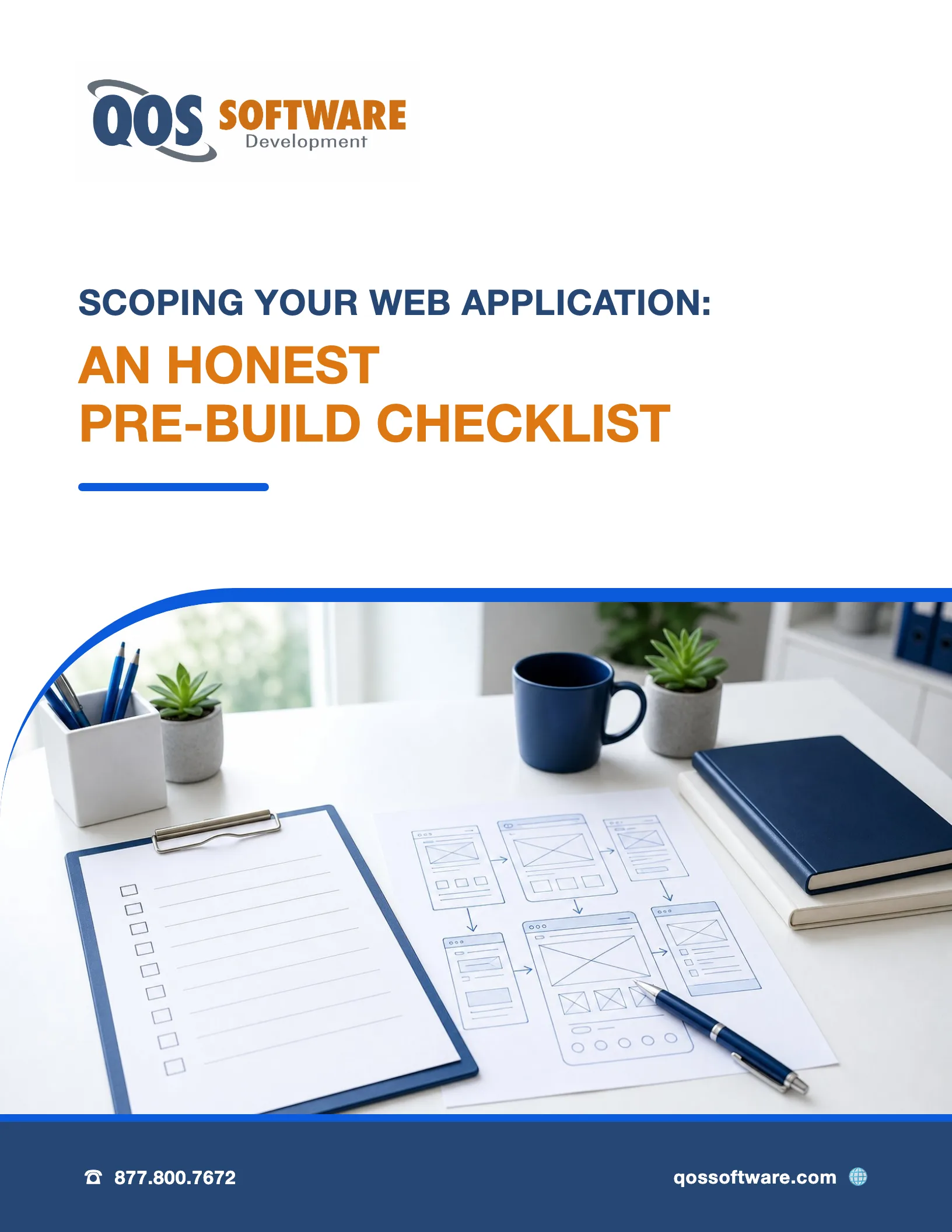
Download the Web Application Scoping Checklist
Before you commission a web app, there are a dozen questions worth answering — about users, workflows, integrations, data ownership, hosting, and what happens after launch. This free checklist walks you through them, so you scope the project clearly and skip the expensive surprises that come from not asking.
Frequently Asked Questions About Web Application Development
-
What is the difference between a website and a web application?
A website mostly presents information for you to read, while a web application is software that runs in your browser and lets you do work — logging in, entering data, running transactions, and getting results that change based on who you are. Most business web apps combine both: public pages anyone can read, plus a secure application behind a login.
-
When should a business choose a custom web app over off-the-shelf SaaS?
Choose a custom web app when no off-the-shelf product fits your workflow, when the process itself is a competitive advantage, or when per-seat SaaS pricing keeps climbing as your team grows. Stick with SaaS when a proven product already covers a standard process like accounting or email. Custom earns its cost only when the software itself gives you an edge.
-
How long does it take to build a custom web application?
Timelines run by scope, not a fixed number. A focused internal tool or portal can take a couple of months; a multi-feature product with several integrations and user roles takes longer. The biggest drivers are how many features and roles you need, how many outside systems you connect, and how much existing data you migrate. We give you a schedule after scoping, not before.
-
Who owns the source code of a custom web application?
You do. With QOS Software, you own the source code, the intellectual property, and your data outright when the project is done — in writing, in the contract. That means you can add features, change developers, or move your hosting whenever you want, without rebuilding from scratch or paying a per-seat license to use software you paid to create.
-
What technologies does QOS Software use to build web applications?
We build with modern, well-supported web frameworks and databases, hosted on cloud infrastructure that scales on demand, and we use AI-assisted development to design, write, and test software faster. We do not sell standalone AI products — AI agents, automation, and LLM workflows are built by our sister company, QOS Agentic (qosagentic.com). If your project needs those, we'll point you to the right team.
-
Can you take over or rebuild an existing web application?
Yes. We regularly take over web applications built by another team — reviewing the code, stabilizing what's there, and adding features from where it stands. For deep back-end rebuilds like legacy modernization, API and database redesign, or data migration, our enterprise software development practice leads the work. Either way, you keep ownership of the result.
-
Can you build an MVP or a first version before the full application?
Yes, and for most new products it is the right way to start. A first version covers one workflow for one type of user, end to end, with one or two integrations at most, so real people can use it while you learn what the next release needs. Everything else goes on a version 1.1 list instead of being dropped. Our guide on how to scope an MVP walks through deciding what belongs in that first version.